Using Embers
Touch tiers and how often Embers reaches out
Two simple dials: how Embers reaches out (the touch tier) and how often (the cadence).
Embers gives you two controls over each relationship: how it reaches out, and how often.
Touch tiers: how Embers reaches out
Every contact has a touch tier that sets how hands-on Embers gets.
- Digital drafts a warm email and sends it once you approve. The lightest touch.
- Personal drafts the call, text, or note and nudges you to do it yourself, then logs it.
- White-glove is your inner circle. Embers handles the touches that count, like a handwritten note on your stationery or a gift.
Set a contact's tier on their page. Higher tiers unlock with your plan.
Cadence: how often
Cadence is how long Embers waits before suggesting you reach out again, set per relationship type. A recruiter might be every week. A close friend, every few weeks. Tune it under Settings → Throttle and cadence.
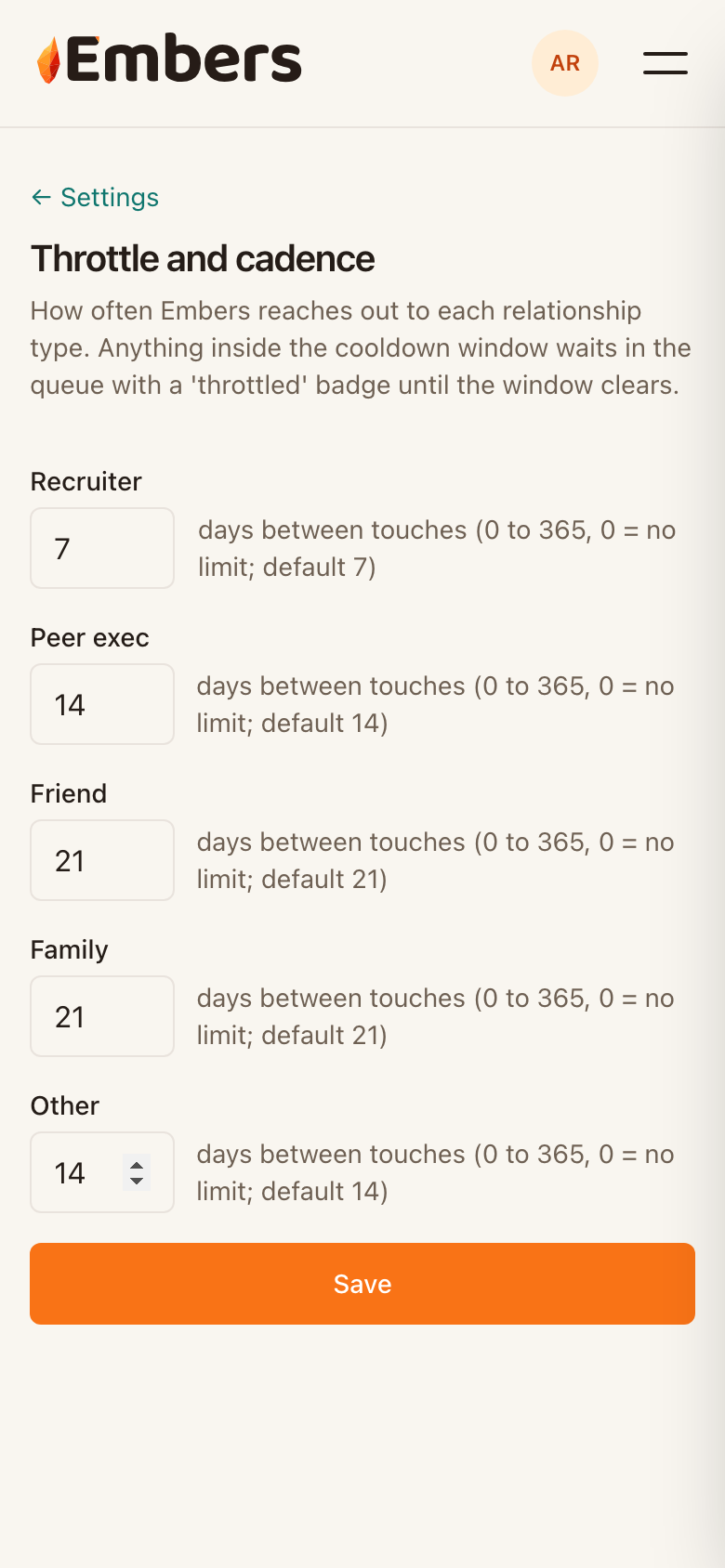 Cadence settings: days between touches, per relationship type
Anything inside the window waits quietly in your queue with a throttled note until the window clears, so you never over-reach.