Using Embers
Review and send touches
The queue is where you read what Embers drafted, tweak it, and send. Nothing goes out without your approval.
Embers drafts. You decide. Every message waits in your queue until you approve it, so nothing is ever sent behind your back.
Where touches come from
A draft lands in your queue when a contact is due for a hello, when Embers finds a reason worth reaching out, or when you draft one yourself from a contact's page.
Read, edit, send
Open a draft to read it. If it's good, send it. If it's close, edit the text first. If it's not right, reject it and nothing happens.
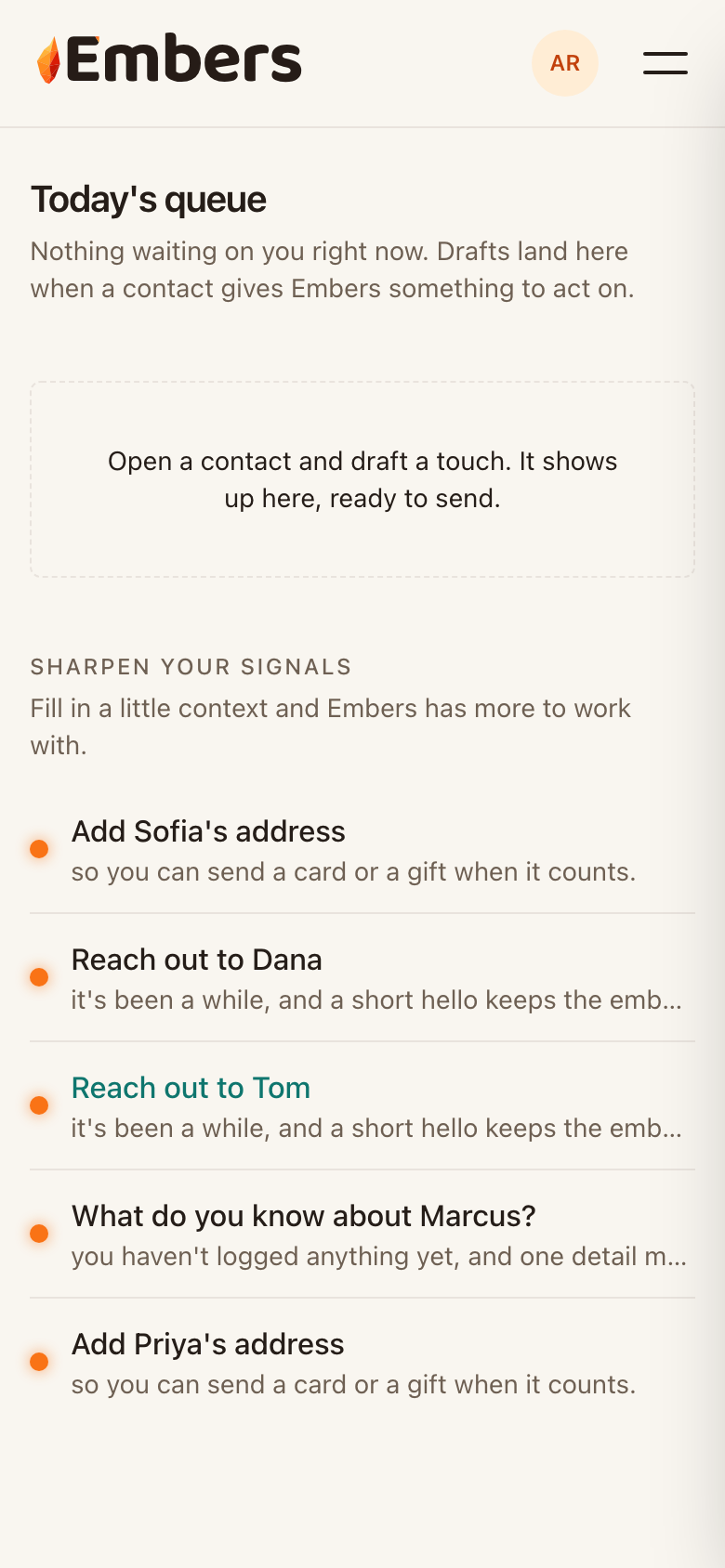 Your queue: drafts wait here for your review before anything sends
Draft one yourself
Want to reach out to someone now? Open their contact page and tap Draft a touch. Embers writes it in your voice and drops it in the queue for you to approve.
Already reached out?
If you emailed or called someone on your own, Embers asks you to confirm it so it won't nudge you to reach out twice. A quick tap keeps the timing honest.