Using Embers
Find a reason to reach out
Two ways Embers finds a genuine reason to get in touch: deep research on a person, and timely news.
The hardest part of staying in touch is the blank page. Embers gives you a real reason to reach out.
Research a contact
On someone's page, tap Research. Embers looks them up and comes back with a short brief: what they're working on, recent moves, anything worth knowing before you write. It arrives as a review, and as an email, so you can read it on your own time.
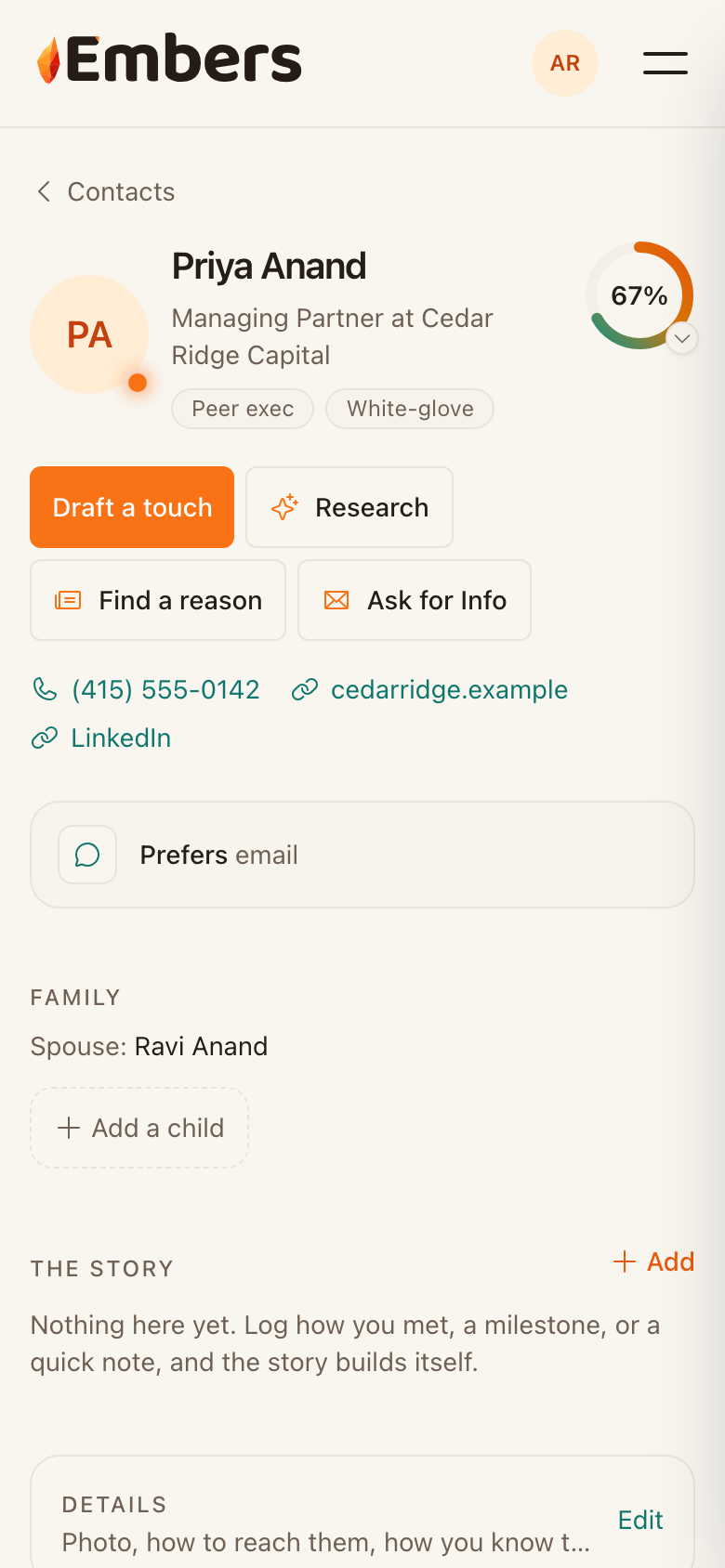 A contact page: Research and Find a reason sit right under their name
Find a reason in the news
Tap Find a reason and Embers scans recent news for that person or their company. If something timely turns up, like a funding round or a new role, it drafts a note that mentions it and drops it in your queue.
Then it's the usual flow
Both land as drafts you approve. You're never sending something you haven't read.