Getting started
Teach Embers your voice
Embers drafts in your voice. Give it a few writing samples so the messages sound like you, not a template.
The whole point of Embers is that the messages sound like you wrote them. To do that, it needs a few examples of how you actually write.
Add your samples
Go to Settings → Writing voice. Embers gives you prompts, like thanking someone for an introduction or congratulating a peer on a new role. Answer three to five of them the way you'd really text or email. Loose and natural beats polished.
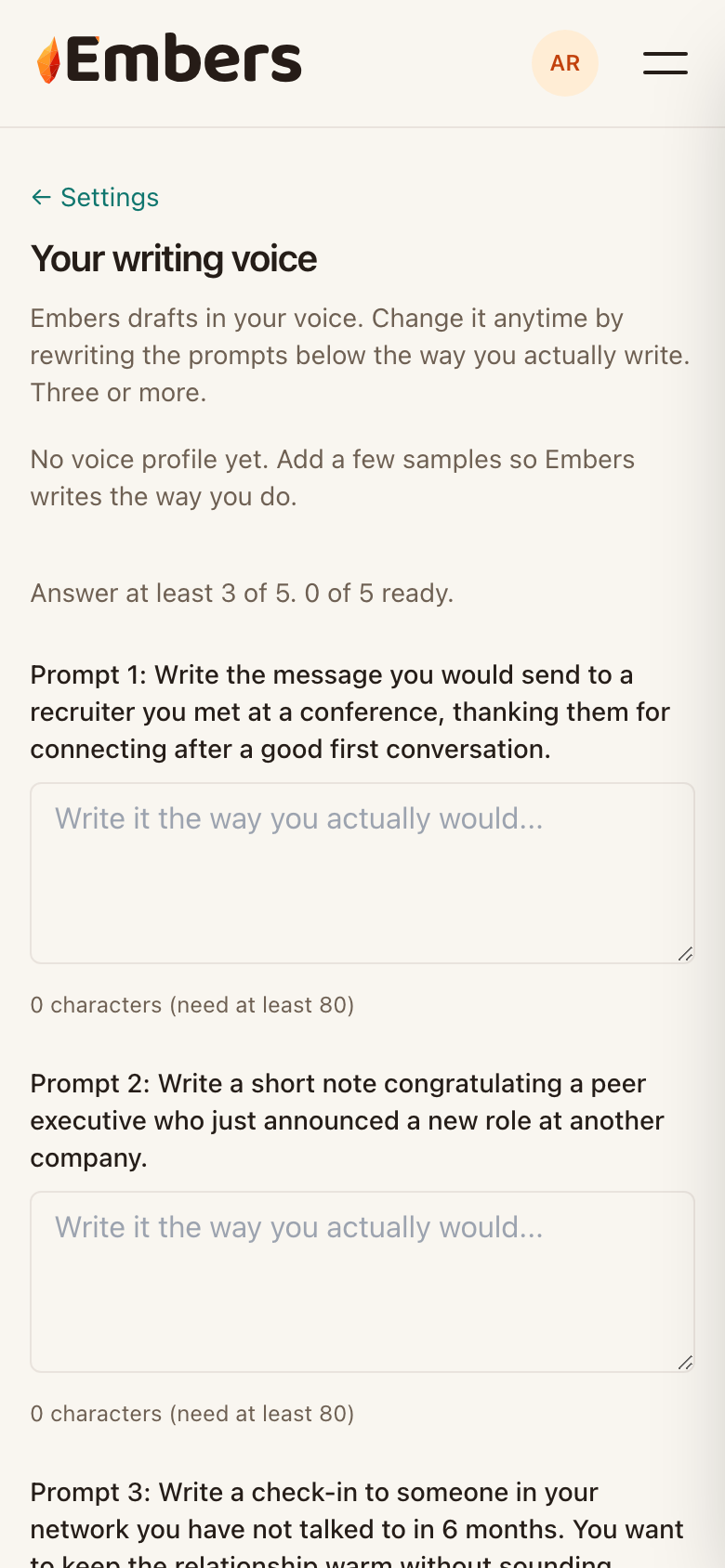 The writing-voice prompts in Settings
What changes
Once you've added samples, every draft picks up your phrasing, your length, and how formal you tend to be. Reach out to a recruiter and it stays crisp. Check in with an old friend and it loosens up.
Update it any time
Your voice isn't frozen. Come back and add or swap samples whenever you want, and new drafts will follow. Drafts already waiting in your queue keep their text until you regenerate them.