Getting started
Set up Embers in five minutes
The quickest path from signing up to your first reminder. Three steps, about five minutes.
Embers works best once it knows three things: your name, how you write, and who you want to keep close. Here's the fastest way to get there.
1. Confirm your name
This is the name your touches go out under, as in "Priya, it's been too long. Best, you." You can change it later in Settings.
2. Add a few writing samples
Embers drafts in your voice, so it asks you to write three to five short messages the way you actually would. A minute each. The drafts get noticeably more like you with every sample. You can skip this and come back, but it's worth doing first.
3. Bring in your first people
Add the handful who matter most. Type them in, import from Google or your phone, or just tell Embers about them in chat. Start with ten or twenty. You're not building a database, you're tending a circle.
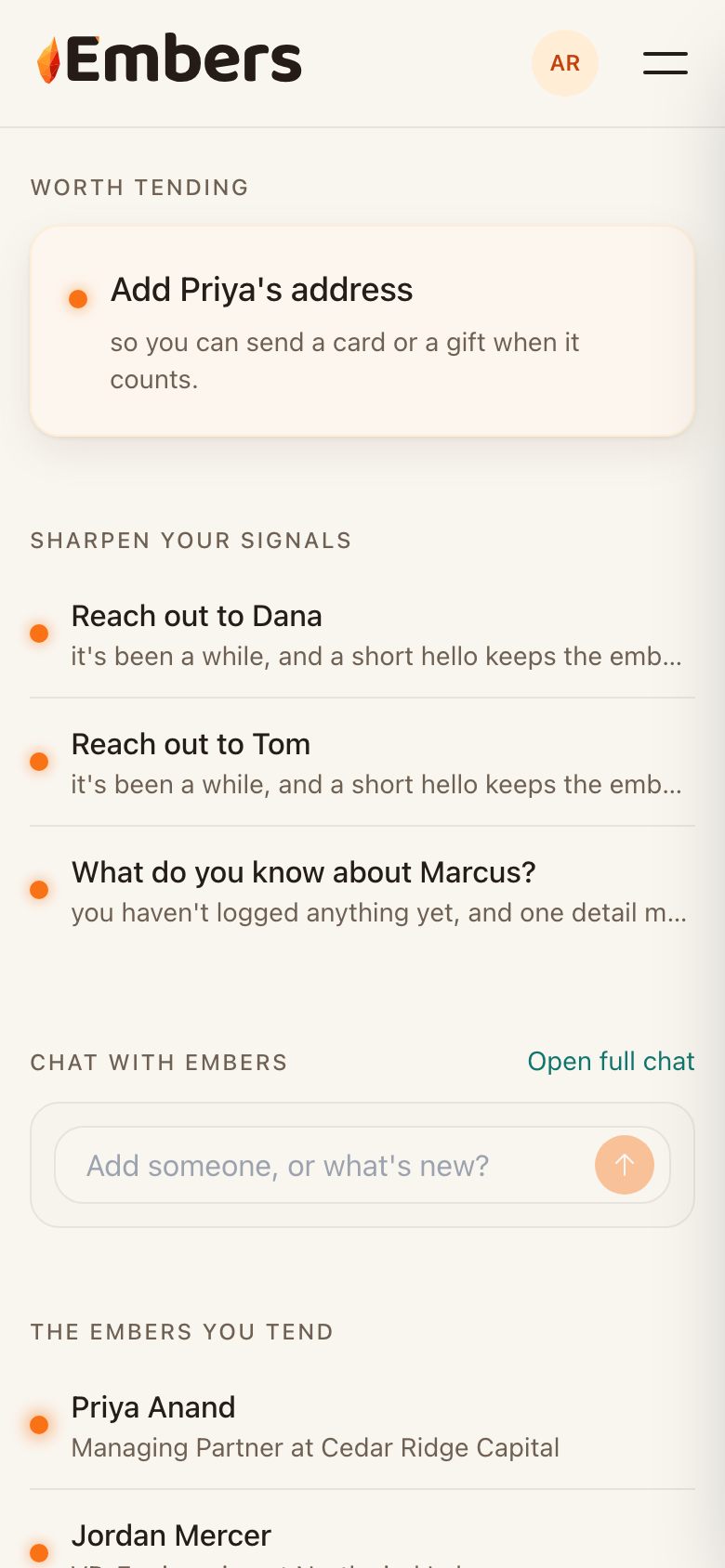 Your home screen: the next move up top, signals to sharpen, and the people you tend
From here, Embers surfaces who's worth a note and drafts the first one for you to approve.