Getting started
Import your contacts
Four ways to bring people in: type them, import from Google, upload from your phone, or email a contact card.
You can build your circle by hand or bring people in from where they already live. Pick whatever's fastest for you.
Add one by hand
On the Contacts screen, tap Add contact and fill in what you know. Only a first name is required. Everything else you can add later.
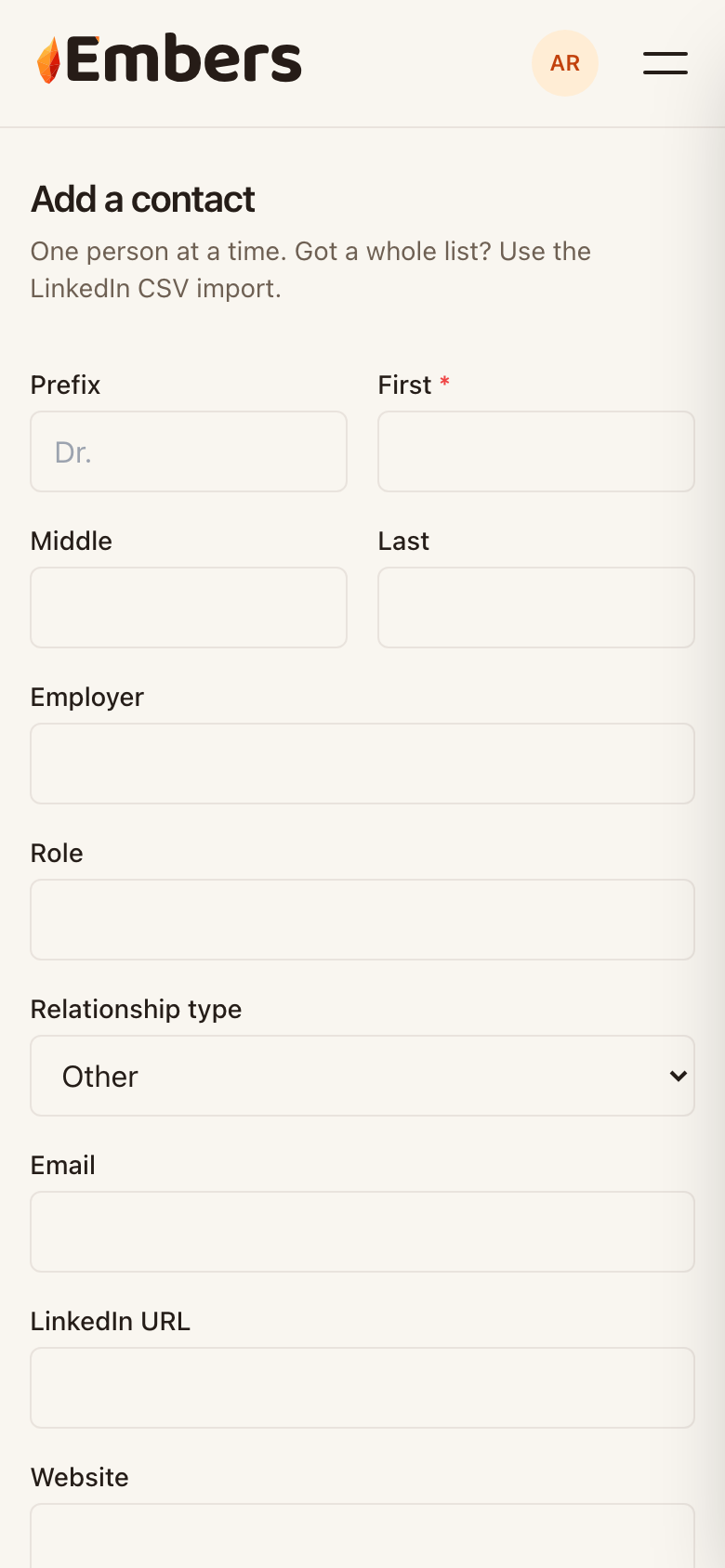 Adding a contact: only the first name is required
Import from Google
Tap Import contacts, choose Google, and sign in. Embers shows you who it found, flags likely duplicates, and lets you pick exactly who to bring in. Nothing is added without your say-so.
Import from your phone
On iPhone or Mac, export the people you want as a vCard (.vcf) file and upload it under Import contacts. Same review step: you choose who actually comes in.
Email a contact card
Looking at someone's card on your phone? Share it to chat@embers.group and Embers imports it for you. Handy when you meet someone and want them in before you forget.
Got a long list from LinkedIn? Export your connections as a CSV and use the LinkedIn import on the Add contact screen. However they come in, you stay in control of who lands in your circle.