Integrations
Connect your calendar
See your meetings inside Embers so it can surface the right follow-up. Connecting is read-only and takes about a minute.
Embers can read your calendar to see who you're meeting and when. That's what lets it nudge you about the right person at the right time, like a follow-up the day after you sit down with someone. Connecting takes about a minute, and it's read-only. Embers never adds, edits, or deletes anything on your calendar.
Before you start
You'll need a Google or Microsoft account, whichever your calendar lives in.
Connect in a few taps
- Open the menu and go to Settings → Connections.
- Under Google Calendar or Outlook Calendar, tap Connect.
- Sign in and approve read-only access.
- Give it a minute to pull in your upcoming meetings.
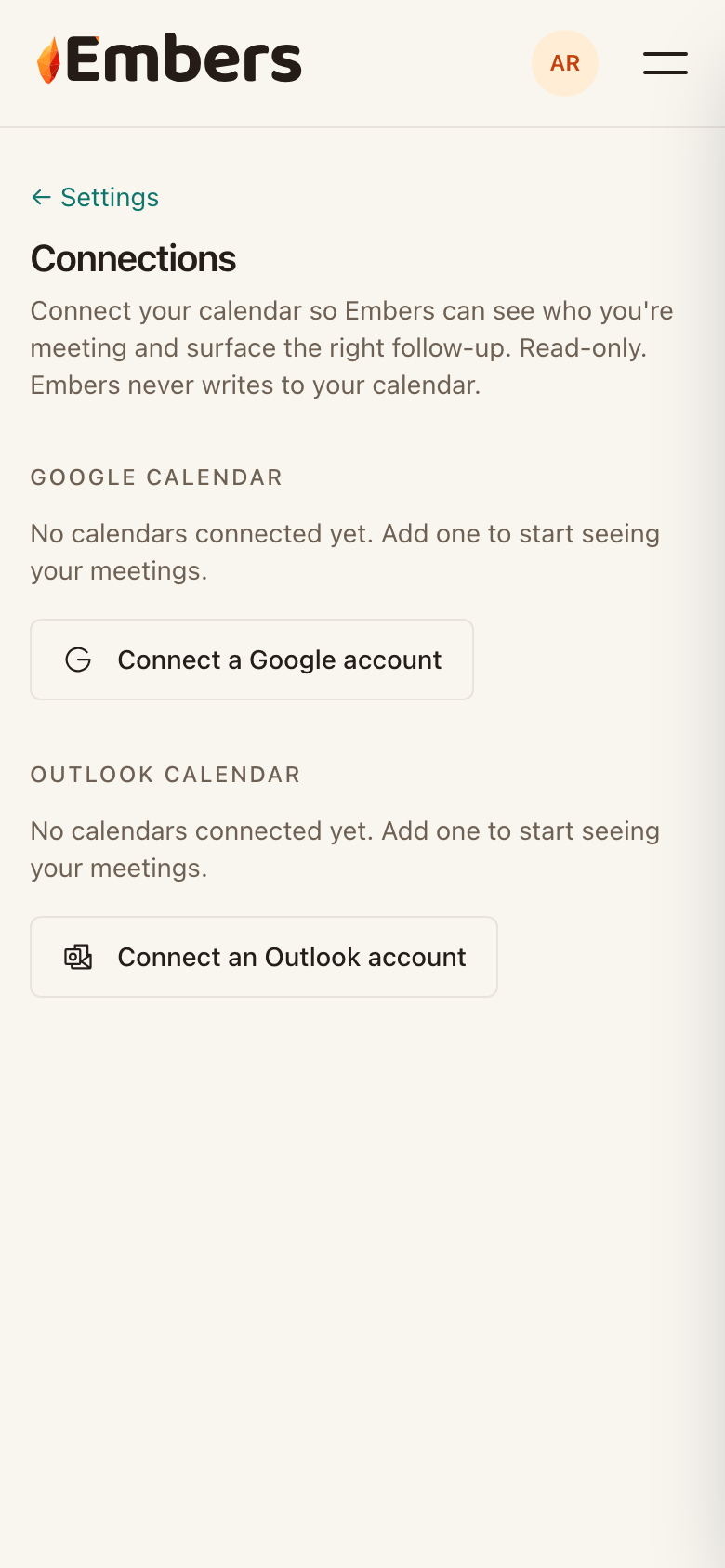 The Connections screen, where you connect Google or Outlook with read-only access
Once it's connected, your meetings show up under Calendar, and Embers starts using them to suggest who's worth a follow-up. Keep two calendars? Connect both and Embers reads across them.
What Embers can and can't do
Embers reads the meeting title, the time, and who's invited. It uses that to surface follow-ups and match meetings to the people you already track. It never writes to either calendar, and you can disconnect any time from the same Connections screen.