Integrations
Connect Embers to Claude (and other AI agents)
Let an AI assistant work your network with you. Connect Embers to Claude, or any MCP client, and it can read your people and add to them. Reads are free, writes wait for your okay, and nothing sends on its own.
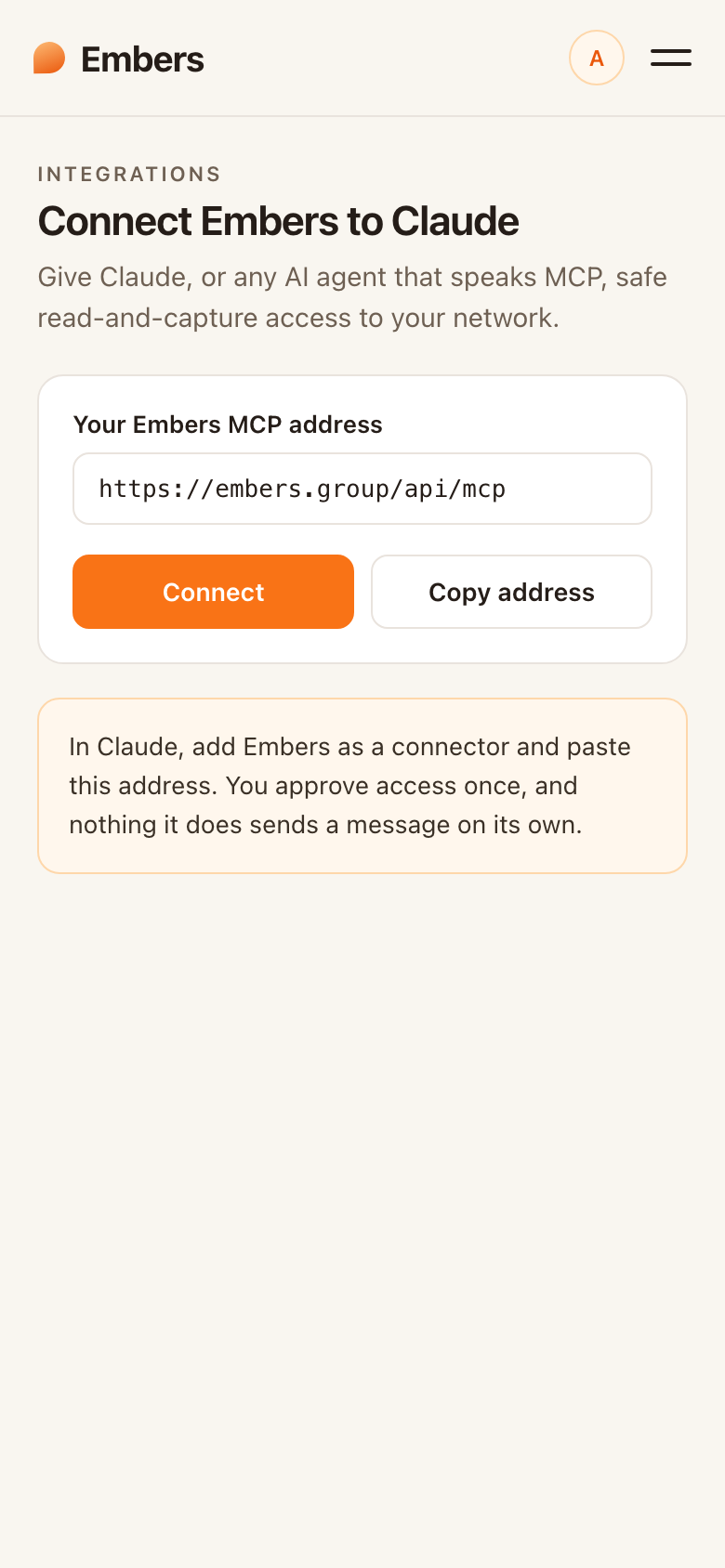 Connect Embers to Claude
Embers has an MCP server, which is the open standard AI agents use to reach a tool. Connect it once and an assistant like Claude can answer questions about your circle and capture into it for you. It only reads and drafts. Nothing sends without your okay.
Before you start
You'll need an Embers account (the free plan works) and Claude, or another MCP client. ChatGPT and Cursor work the same way.
Connect in three steps
- Add the server. In your MCP client, add a connection and paste this address:
https://embers.group/api/mcp. There's no token to copy and no secret to paste. - Sign in and approve. Embers signs you in, then shows a consent screen for exactly what the agent can reach. Approve it and you're connected.
- Ask it something. Try a prompt below. If your agent answers from your own people, you're live.
If your client needs a config file instead of a click-to-connect flow, point it at the same address with mcp-remote:
{
  "mcpServers": {
    "embers": {
      "command": "npx",
      "args": ["-y", "mcp-remote", "https://embers.group/api/mcp"]
    }
  }
}